
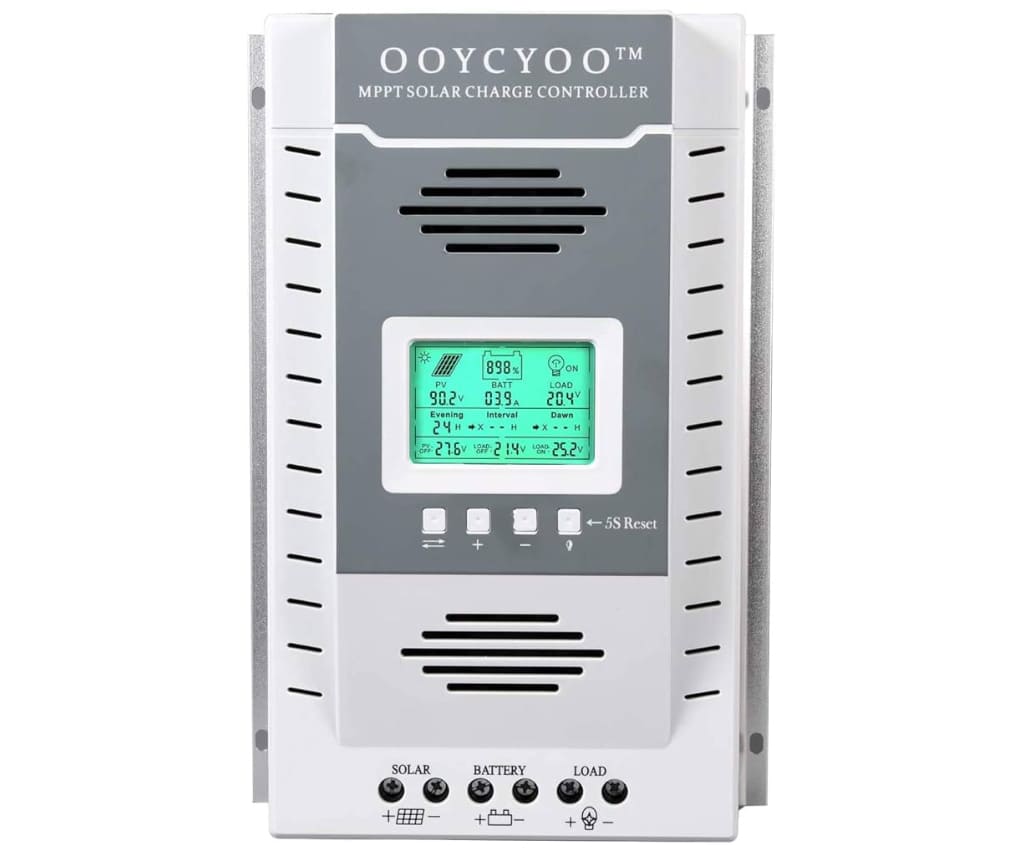
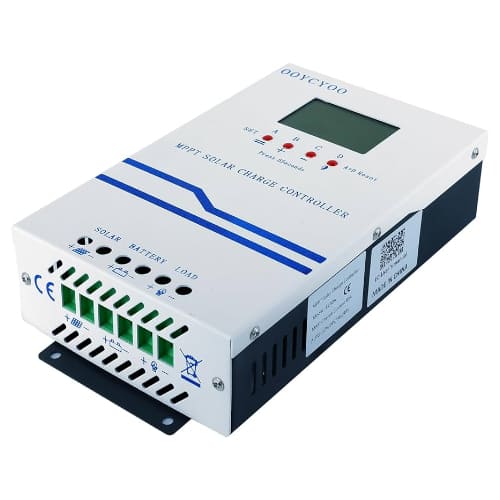
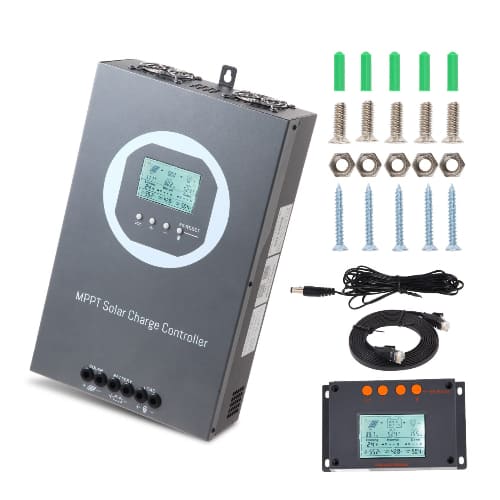
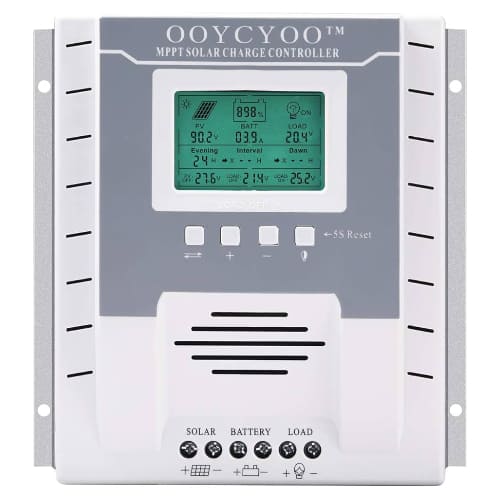
OOYCYOO Charge Controllers Brand

OOYCYOO empowers off-grid enthusiasts with a versatile lineup of MPPT solar charge controllers designed for efficiency and affordability. These high-performance regulators bridge the gap between budget-friendly pricing and professional-grade power management, supporting everything from compact RV setups to robust 100A DIY battery banks. Users can maximize their solar harvest with advanced tracking technology that seamlessly adapts to lead-acid and LiFePO4 chemistries. By focusing on essential features like RS485 connectivity and intuitive LCD interfaces, OOYCYOO provides the reliable core needed for modern independent power systems. Whether you are outfitting a remote cabin or a marine vessel, this marketplace-favorite brand delivers the technical specs and multi-voltage flexibility required to keep your batteries charged and protected.

Top OOYCYOO Charge Controllers

OOYCYOO MPPT 60A (MC60A / P60A)

This versatile mid-range controller is a community favorite for its ability to automatically detect 12V to 48V systems and support up to 2800W of solar input.

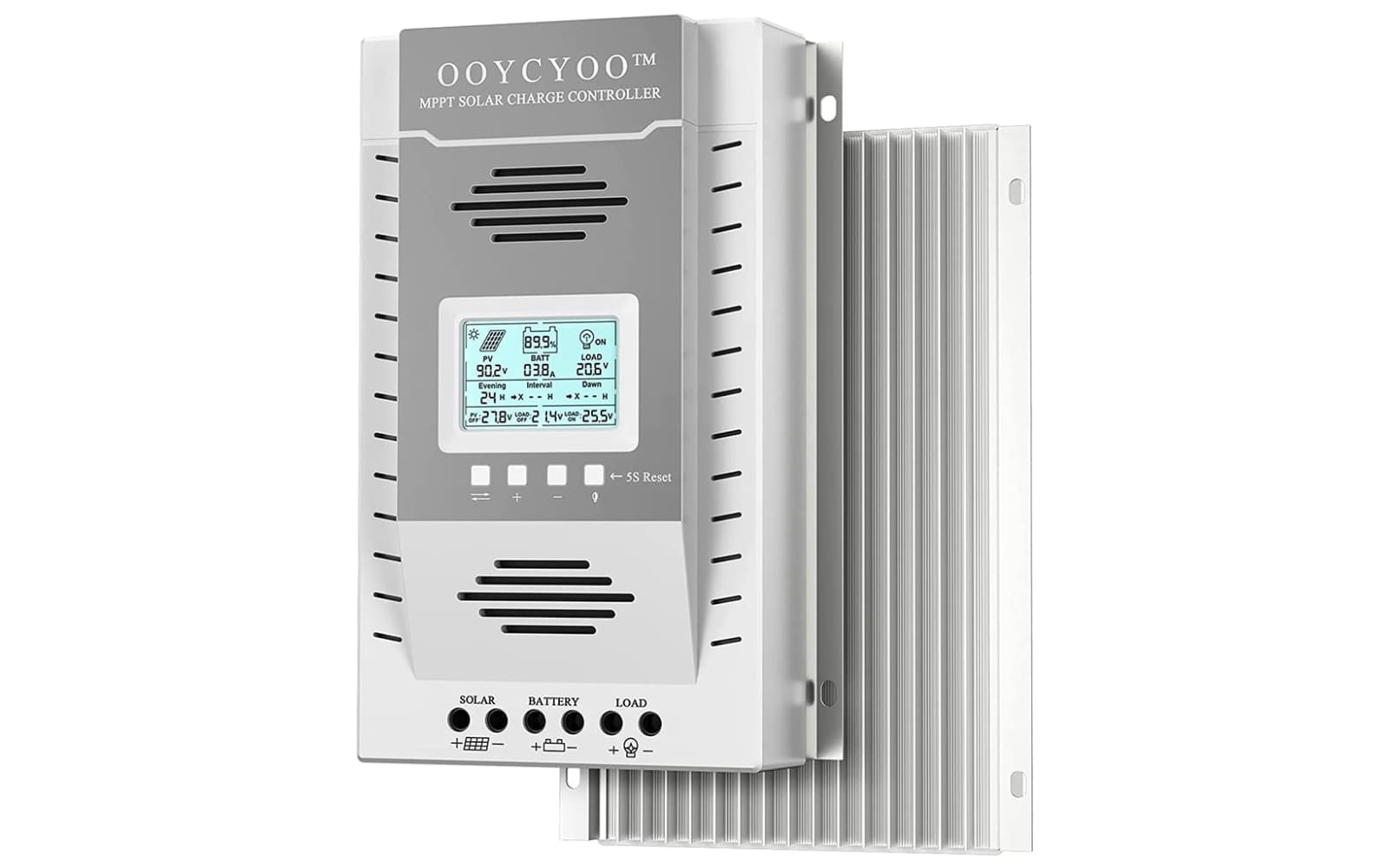
OOYCYOO MPPT 100A (K100 / KP60 100)

Regarded as the brand’s “powerhouse” unit, this high-current regulator supports large 12V/24V arrays up to 2600W and features an upgraded backlit LCD for real-time kilowatt-hour tracking.

OOYCYOO MPPT 40A Series

Ideal for compact RV and van builds, this budget-friendly 40A model provides high-efficiency tracking for smaller 12V/24V battery banks with the convenience of dual USB charging ports.

Power your off-grid dreams with OOYCYOO’s versatile range of MPPT technology designed to squeeze every watt of energy from your solar array.
Essential Solar Power Categories

Standard MPPT Charge Controllers

These reliable units provide efficient power conversion for 12V and 24V systems, offering tailored current ratings from 30A to 80A to fit most small-scale solar builds.

High-Current Performance Series

Engineered for larger energy demands, the 60A and 100A heavy-duty controllers feature advanced LCD interfaces and multi-button controls for managing high-wattage PV inputs.

Communication and Monitoring Accessories

Dedicated external LCD kits and RS485 communication displays allow users to remotely monitor system health and fine-tune charging parameters for maximum battery longevity.


User Experiences

Marcus Sterling After installing the OOYCYOO 60A MPPT controller in my converted sprinter van, the difference in charging speed compared to my old PWM unit was night and day. I spent three weeks off-grid in the Pacific Northwest, and even with partial cloud cover, the tracking efficiency kept my 200Ah LiFePO4 bank topped off by early afternoon. The interface was a bit of a learning curve at first, but once I figured out the button sequences to set my custom absorption voltages, the unit has been rock solid and remarkably cool to the touch despite the high current.

Elena Rodriguez I purchased the 100A model for my small off-grid cabin to manage a 1200W solar array, and it has handled the peak summer sun without a single fault code. The build quality surprised me for the price point, particularly the heavy-duty terminals which made it much easier to secure my 4 AWG wiring. I especially appreciate the backlit display because it allows me to check my battery status at night without needing a flashlight, though I would recommend buying the external display kit if you plan on mounting the main unit in a tight cabinet.

David Chen As a DIY enthusiast on a budget, I integrated the 40A OOYCYOO controller into a portable solar generator project using salvaged lead-acid batteries. The auto-detect feature for the 12V system worked instantly, and the dual USB ports on the front have become my go-to for keeping our phones and tablets charged during weekend camping trips. While the manual is a bit brief on technical details, the community support and YouTube teardowns gave me the confidence to push the unit to its limits, and it has proven to be a fantastic value-for-money investment.

OOYCYOO FAQ

How do I select the correct battery type for my OOYCYOO controller?

To set your battery type (e.g., LiFePO4, Sealed, Gel, or Flooded), navigate to the main screen showing the current battery mode. Hold down the menu or function button for approximately 6 seconds until the battery type starts flashing, then short-press the button to cycle through the options. Once your desired type is selected, hold the button down again for 6 seconds to save the settings.

What is the correct wiring sequence for installation?

For safety and to ensure the controller correctly detects your system voltage (12V/24V/48V), always connect the battery first. Once the LCD screen powers on and shows the battery status, you may then connect the solar panels (PV). When disconnecting the system, always reverse this process by removing the solar panels first and the battery last.

Does this controller support lithium (LiFePO4) batteries?

Yes, OOYCYOO MPPT controllers are compatible with lithium-ion and LiFePO4 chemistries. You must manually select the “Lithium” or “User” profile to ensure the charging voltages match your battery manufacturer’s recommendations, as the default setting is often for Lead-Acid (Sealed).

What should I do if my screen shows an error code?

Common error codes usually indicate system protection is active. For example, “Err 2” often signifies battery over-voltage, while “Err 17” indicates the controller is overheating. Most of these errors will auto-reset once the condition is corrected (e.g., the battery voltage drops or the unit cools down), but you should always check for loose terminal connections if errors persist.

Can I use this controller with a 48V system?

Compatibility depends on your specific model. While the compact 30A and 40A models are typically limited to 12V/24V systems, the 60A (MC60A) and 100A high-current models frequently support auto-detection for 12V, 24V, 36V, and 48V battery banks. Always verify the voltage range printed on the side of your specific unit before connection.

Why is my charging current lower than the solar panel’s rating?

This is often due to the “Maximum Power Point” tracking or environmental factors. If your battery is nearly full, the controller will automatically reduce current to enter the “Absorption” or “Float” stage to protect the battery. Additionally, ensure your PV input voltage is significantly higher than your battery voltage, as MPPT controllers require this “headroom” to operate efficiently.

OOYCYOO 100A Solar Charge Controller! What are my first impressions?